Overview
Data snapshots let you create a complete copy of your organization’s data from ION. By default, a snapshot includes both:- Tables: all of your organization’s structured data, such as parts, inventory, BOMs, runs, and issues.
- Attachments: all documents, images, and other files uploaded across ION, including those attached to runs, procedures, and issues.
Data snapshots are available depending on your organization’s plan and settings. To find out whether snapshots are enabled for your organization, contact your account team.
How data snapshots work
Data snapshots run automatically on a weekly or monthly cadence configured for your organization. To get started, reach out to your account team to set up your snapshot schedule and delivery destination. Once a snapshot completes, you can download the resulting files from the data snapshots page.What you receive
Snapshots are delivered as.tar archives. A tables snapshot contains one compressed file per table (.csv.gz or .jsonl.gz), and an attachments snapshot contains all uploaded files.
For large snapshots, ION automatically splits the output into multiple .tar files labeled with a part number, such as snapshot_tables_part1_2026-03-31-143022.tar and snapshot_tables_part2_2026-03-31-143022.tar.
Delivery destinations
By default, snapshots are stored in ION and made available for download through the UI. Snapshots stored in ION are retained for 30 days, after which they are automatically deleted.Onboarding
To get started with data snapshots:- Contact your account team. Let them know you want to set up data snapshots and whether you need tables, attachments, or both.
- Choose a delivery destination. Snapshots can be downloaded from ION directly, or delivered to your own S3 bucket.
- Set up customer-managed S3 delivery, if applicable. Follow the Customer S3 delivery setup guide to create your bucket, configure an IAM role, and share your configuration for validation.
Snapshot history
The data snapshots page shows the status of each snapshot: Pending, In Progress, Completed, or Failed. For a failed snapshot, check the error details.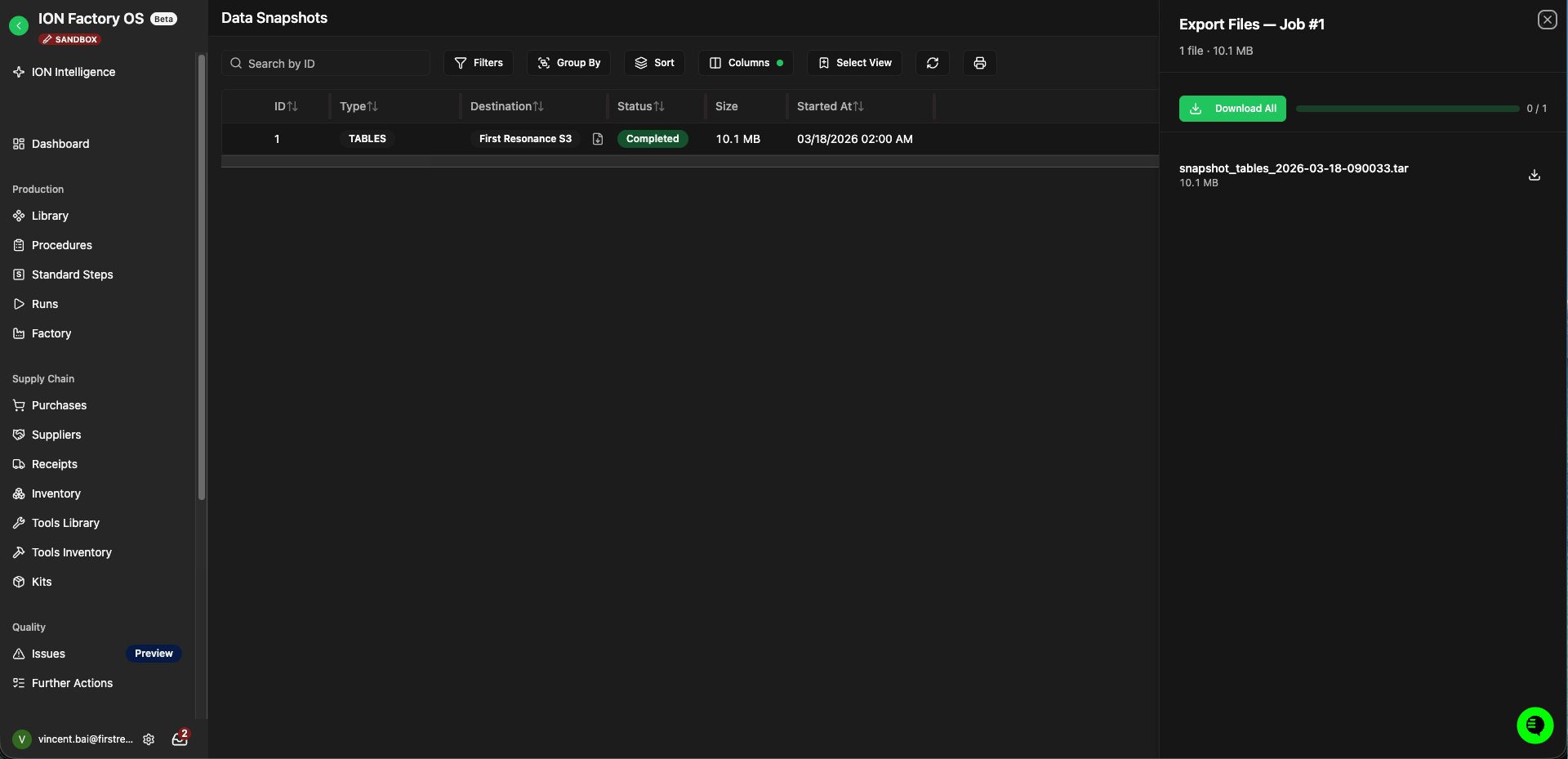
Data snapshots page with the download panel for a completed snapshot.