The Quality tab
In Analytics, the Quality tab shows prebuilt, read-only metrics for your open issues, redlines, and further actions.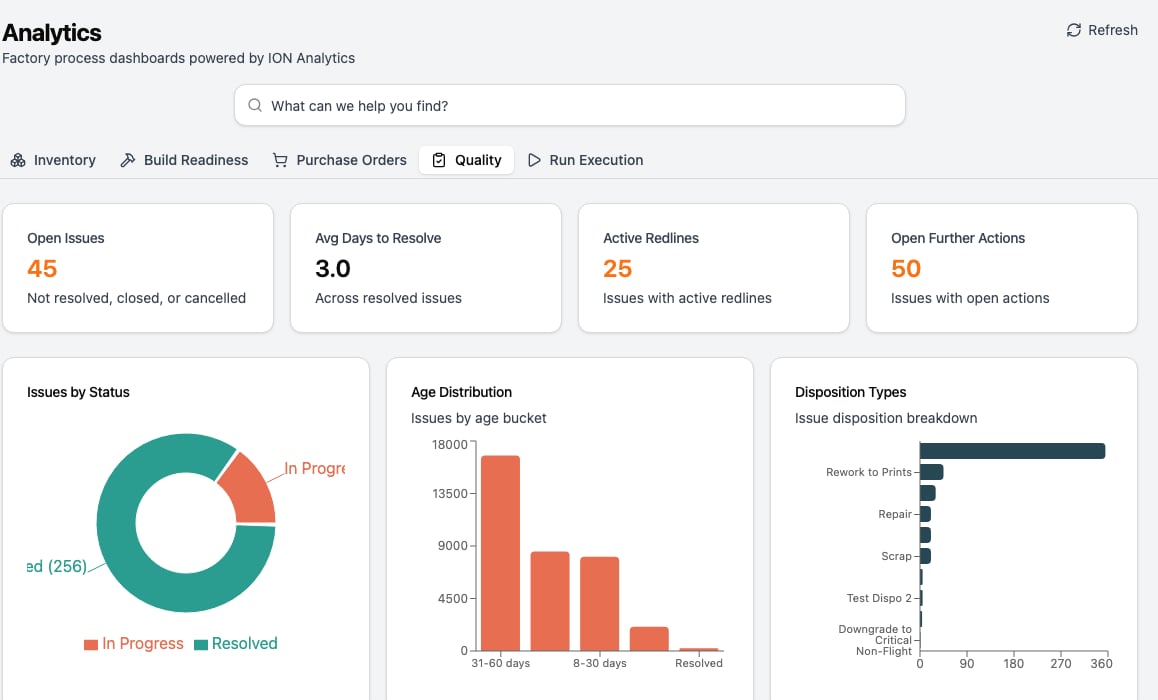
The Quality tab in Analytics.
Build your own quality reports
For anything beyond the Quality tab, query the quality data yourself. Thequality_metrics and issue_details data products pre-join issue data (status, disposition, redlines, further actions, parts, and lifecycle timestamps) so you don’t have to assemble it. Reach them through the Data Connector, a read-only SQL analytics layer you point a BI tool at, or query the GraphQL API.
For the full data model, available tables, and refresh cadence, see Analytics and Dashboards.