Set purchase order defaults
- In ION, go to Settings > Supply Chain > Purchases.
- Configure the default values:
- Default ship to location: The location pre-populated in the ship-to field.
- Default bill to location: The location pre-populated in the bill-to field.
- Default currency: The currency pre-selected on new POs.
- Default terms: The payment terms pre-selected on new POs.
GBP, run the createCurrency mutation through the ION API with the currency code as its type. Your role needs the CreateCurrency permission.
Assign new purchase orders to their creator
Turn on Auto-assign purchase orders to their creator in Settings > Supply Chain > Purchases to make whoever creates a purchase order its assignee. The setting is off by default.- An assignee chosen while creating the purchase order, whether a user or a team, always wins over the setting.
- A purchase order created through the API or an integration is assigned to the account the integration runs as, not to a person. If you turn the setting on, make sure that’s what you want for integration-created orders.
- Only new purchase orders are affected. Existing ones keep their assignee.
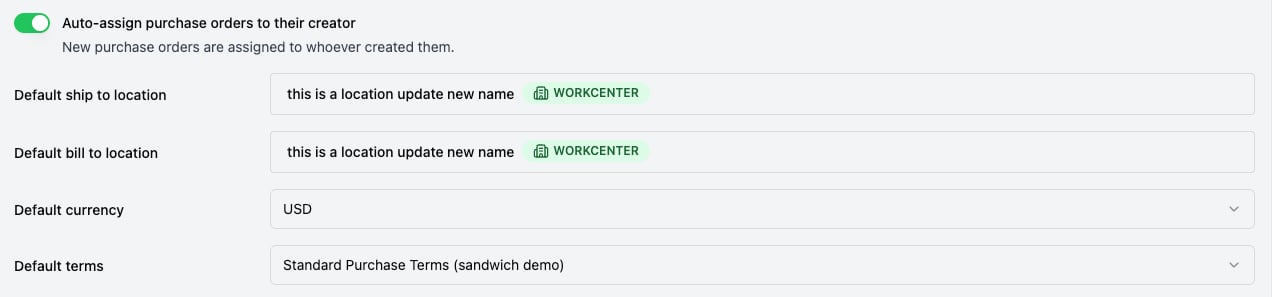
Auto-assign purchase orders to their creator, above the purchase order defaults.